
Know the day a certificate lapses, not two weeks after.
WorkZerk tracks the expiry date on every insurance certificate, license and ticket your contractors send. It reminds them before anything lapses, shows you what is expiring next, and keeps a record of what you held and when.
30-day free trial. No credit card.

Sound familiar?
The expiry dates live in a spreadsheet
Somebody updates it when they remember. By the time anyone looks, the public liability certificate ran out last month.
Renewals come back by email
You ask for the new certificate, it arrives in one person's inbox, and the old one is still what everyone else can see.
An auditor asks what you held
Proving which certificate was current on a given date means digging through folders and hoping the file names are right.
How compliance tracking works in WorkZerk
- Step 1
Require an expiry date on what lapses
Insurance, licenses, tickets and visas: turn on Require expiry for the upload and the contractor enters the expiry date with the file.
- Step 2
Reminders go out on their own
Turn on the expiring and expired reminders, and "Time to ask again" for things with no expiry date, like a police check or an induction.
- Step 3
Work one list each week
Expiring soon on the Requests screen shows what lapses next, across every portal. Prompt emails the contractor for a fresh copy with one click.
What WorkZerk can track for each contractor
- Public liability insurance
- Workers compensation
- Professional indemnity
- Trade licenses and high-risk work tickets
- Vehicle registration and driver licenses
- Police and working with children checks
- Site inductions, with an ask-again date
- Signed agreements, by version
- Any other document with an expiry date
Reminders before and after expiry
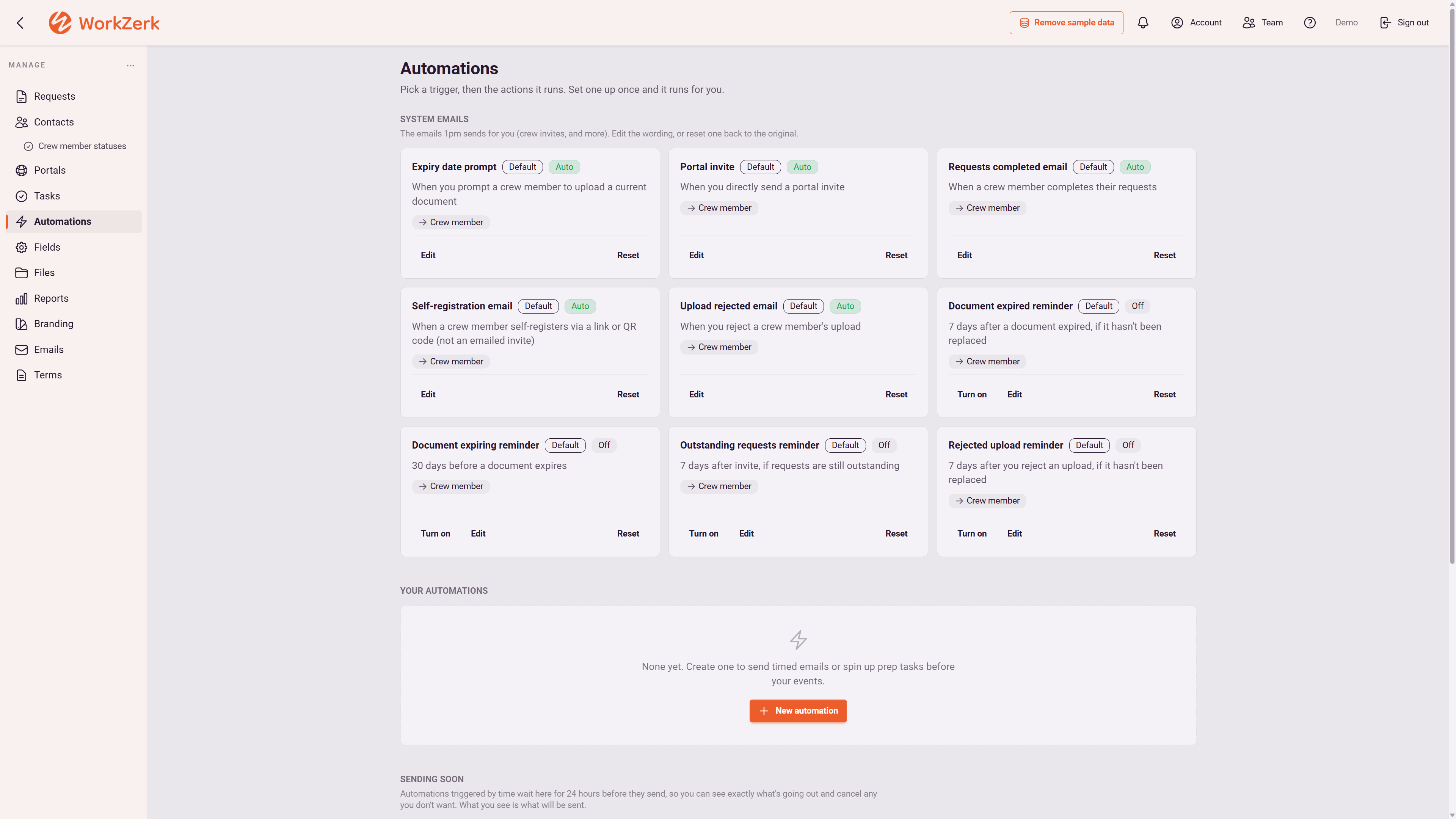
The expiring reminder starts 30 days out and the expired reminder follows up if nothing replaced it. You set both.
Ask again, even without an expiry date
For a police check or an annual induction, "Time to ask again" counts from the day you approved it and asks for a fresh copy.
Compliant or not, at a glance
The document compliance report lists every contractor against every document you need and says who is compliant. The same verdict shows as a badge on each portal and on their contact record.
One document, every portal
When a contractor on three portals renews their insurance, you see it once. The document follows the person, not the job.
Status set by approval
An automation moves a contractor to "Cleared for site" when their documents are approved, so the roster reads the paperwork, not a guess.
Proof for audits and clients
Each contractor's request history shows everything asked and sent. Terms acceptances carry the version and time. Reports export to CSV.
No logins for contractors
Renewal requests land on the contractor's own portal link. No password to remember, so the new certificate actually comes back.
$9.95 a month, every feature included.
25 people can be onboarding at once, with no limit on how many you put through in a year. Colleagues who work in the account with you are $4 a month each.
See pricingQuestions
Who gets the expiry reminders?
The contractor. Once you turn them on, the expiring and expired reminders email the person whose document it is, with their portal link. The Requests screen shows you everything expiring soon.
What about documents that do not expire?
Use "Time to ask again". It counts from the day you approved the document and asks for a fresh copy after the number of days you set, 365 by default.
Can I see compliance across all my contractors at once?
Yes. The document compliance report lists every contractor on your open portals against every document type you ask for, marks each person compliant or not compliant, and exports to CSV. The Requests screen shows what is waiting on your approval and what is expiring soon.
Do I have to onboard contractors in WorkZerk first?
Their documents need to be on file in WorkZerk to be tracked. Import your contractors from a CSV straight onto a portal and send each one their link to upload their current certificates. See contractor onboarding.
How much does it cost?
One plan at $9.95 a month with every feature. 25 people can be onboarding at once, with no limit on how many you put through in a year. Try it free for 30 days, no credit card.