
Guest details and signed house rules, in before they arrive.
Send each guest one link before their stay. They upload their ID, tell you when they are arriving, how many are in the party and what they are driving, and sign your house rules or rental agreement on their phone. WorkZerk reminds the ones who have not finished.
30-day free trial. No credit card.
Sound familiar?
The form gets filled in at the door
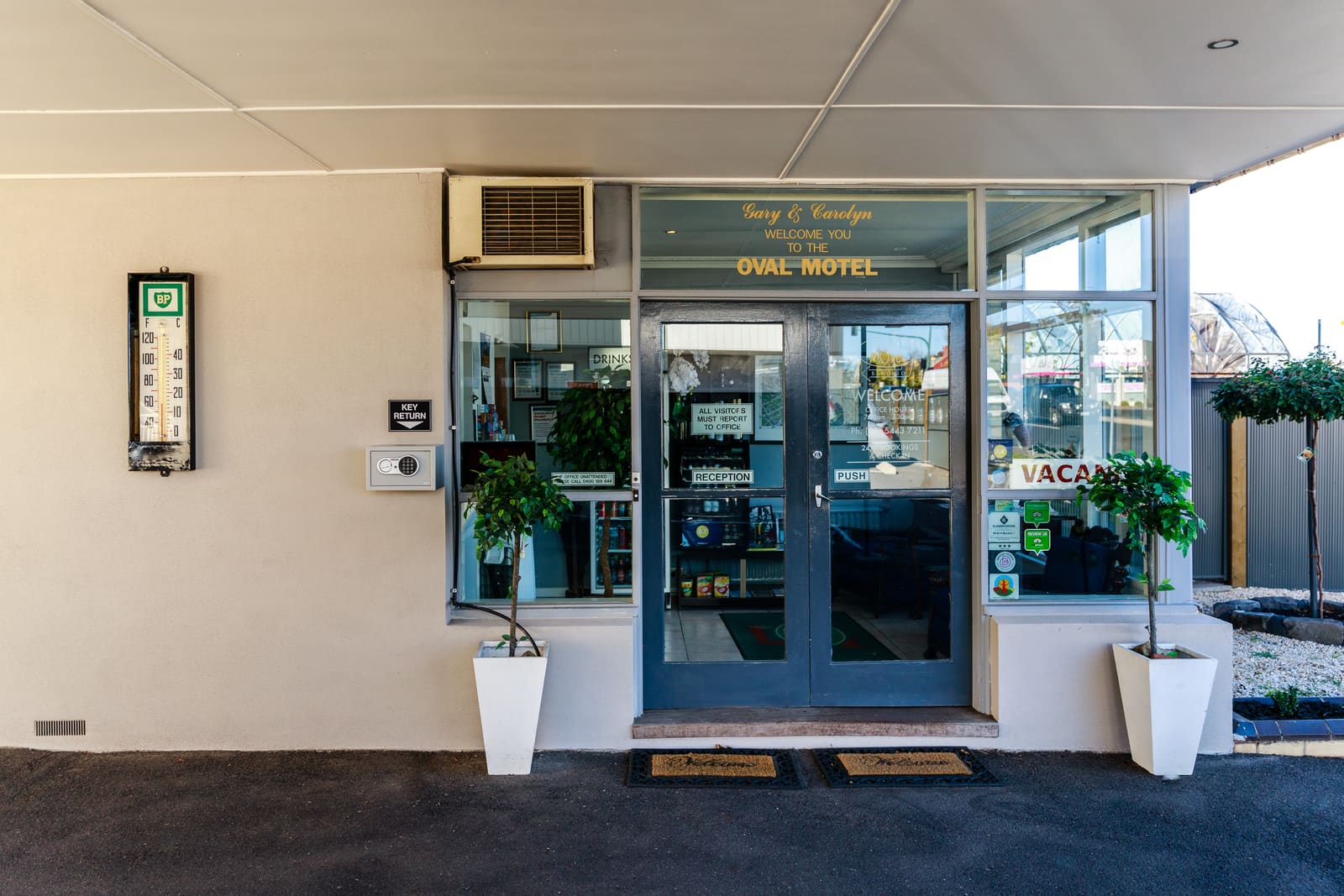
The guest arrives at 9pm after a long drive and you are both standing in the hallway with a clipboard, a pen and a photocopy of a license.
The details are spread over five messages
Arrival time in a text, the car registration in an email, a photo of a passport in a chat app, and nothing about the dog until it gets out of the car.
Nobody can find the signed house rules
When the noise complaint comes in, you are fairly sure they agreed to the rules. You cannot show which rules, or when.
How guest registration works in WorkZerk
- Step 1
Build the registration form once
Add the questions you ask every guest, an upload for their ID, and your house rules or rental agreement to sign. Put activity questions in a section that only shows to guests who said yes to the activity.
- Step 2
Send each guest their link
Add the guest and email their private link, or share one registration link and let guests add themselves. No account, no password, and they can stop part way and come back.
- Step 3
WorkZerk reminds, you review
A reminder goes to anyone who has not finished, on the days you set. You approve an upload or reject it with a reason, and each guest shows as finished or not.
What you can collect from a guest
- Photo ID or passport, marked sensitive
- Expected arrival and departure times
- Number of adults and children in the party
- Vehicle registration, or boat or trailer details
- Signed house rules or rental agreement
- A signed waiver for an activity or equipment hire
- Medical notes, marked sensitive
- Dietary needs and allergies
- An emergency contact
A signature with a record behind it
Write the house rules as a terms document, or upload your agreement as a PDF to sign. Each signature records the exact version or file, the date and time, and the typed name and drawn signature.
Sensitive answers stay masked
Mark an ID upload or a medical note sensitive. It is stored encrypted, shown masked to your team, opened only by admins, and every view is logged.
Questions only for those they apply to
Ask whether they are bringing a pet, a boat or a trailer. The follow-up questions sit in a section that shows only on a yes, so everyone else gets a short form.
A signed copy for you both
When a guest signs a PDF, they can download their signed copy and so can you. It has a signature record page added at the end.
Reminders you do not have to send
The outstanding requests reminder is on from the start, at 7 and 14 days after the invite. Change the days and the wording to suit a booking that is closer.
Returning guests keep their record
Every guest becomes a contact with what they sent you on it. Next season you can find them, see their answers, and ask only for what has changed.
$9.95 a month, every feature included.
25 people can be onboarding at once, with no limit on how many you put through in a year. Colleagues who work in the account with you are $4 a month each.
See pricingQuestions
Does a guest need to create an account?
No. Each guest gets a private link to their own page. They open it on a phone or computer, fill in what you asked for, and can come back later to finish.
Is it a booking system or a property management system?
No. WorkZerk does not take reservations, show availability, take payments, deposits or bonds, or connect to booking sites. Keep your booking system for those. WorkZerk collects the details, documents and signatures you need from a guest once the booking exists, and you can export what you collected to CSV.
Does WorkZerk verify a guest's ID?
No. It collects the photo or scan the guest uploads and checks the file for viruses. A person on your side looks at it and approves it, or rejects it with a reason, which emails the guest to ask for a better copy.
Can reminders be timed to the arrival date?
Not to the arrival date itself. Reminders count from the day the guest was invited, and you choose how many days. So send the link a set time before each stay and set the reminder days to match.
How does the 25 people limit work with guests coming and going?
The plan includes 25 active people at a time. A guest is active while they hold a live link on a portal you have not closed, so the number that matters is how many guests have an open link at once, not how many stay with you in a year. Revoke a guest's link after their stay, or close the portal when a group has left, and those places free up. Their record and documents stay. Going over 25 never blocks anyone: each extra active guest costs 5 cents a day, about $1.50 a month, paid from credit you add to the account. The count is taken once a night.
How much does it cost?
One plan at $9.95 a month with every feature. 25 people can be active at once, with no limit on how many go through in a year. Colleagues who work in the account are $4 a month each. Try it free for 30 days, no credit card.