
Stallholder applications and insurance, without the inbox.
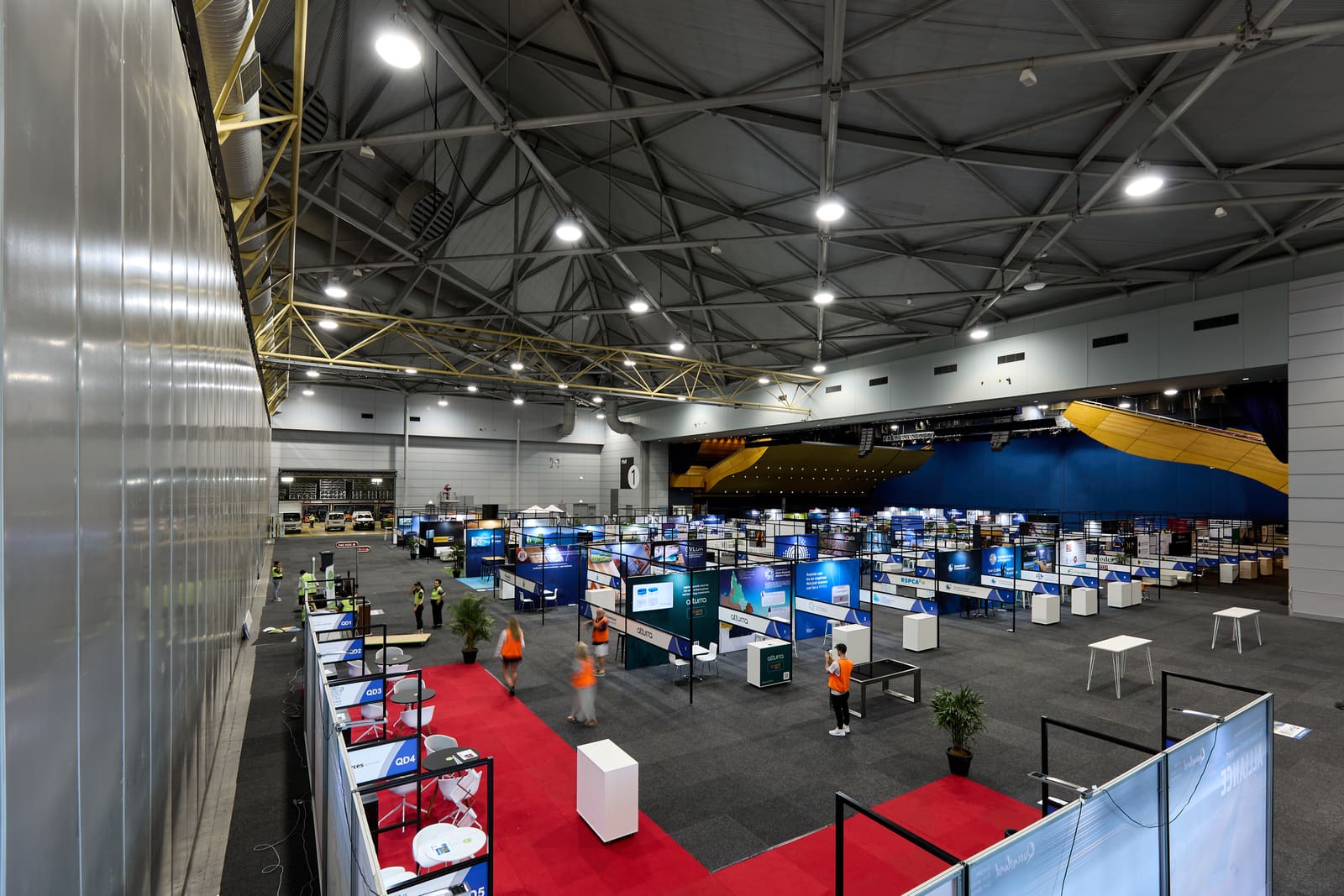
Put one link on your website or in the call-out. Each stallholder applies on their phone: what they sell, photos of the stall, their public liability certificate, food permits and your signed terms. WorkZerk chases what is missing, and you approve or decline. It works the same way for exhibitors taking a stand at an expo or conference.
30-day free trial. No credit card.
Sound familiar?
Applications arrive four different ways
A web form, a PDF, a message on social media and a phone call. The insurance certificate is always "coming tomorrow".
It is Friday and six stalls have no insurance on file
You are matching certificates to a spreadsheet the night before the market, and two of them expired last month.
Food stalls need twice the paperwork
Permits, a food safety supervisor certificate and gas compliance. So the form either asks the candle maker about gas bottles, or you run two forms.
How stallholder applications work in WorkZerk
- Step 1
Build the application once
Add your questions, an upload for the insurance certificate with its expiry date, and your stallholder terms to sign. Put the food questions in a section that only shows to food stalls.
- Step 2
Publish one link
Generate a self-registration link and put it on your website or in the call-out. A stallholder enters their name and email, and is emailed a private link to their own application. No account, no password.
- Step 3
Review, approve or decline
Approve each upload, or reject it with a reason that is emailed back. Set each stallholder to Approved or Declined. Reminders chase anyone who started and did not finish.
What you can collect from a stallholder
- Business name, contact details and business number
- What they sell, in their own words
- Photos of the stall and products
- Public liability insurance certificate, with its expiry date
- Food business registration or food permit
- Food safety supervisor certificate
- Gas and electrical compliance certificates
- Power, space and site or stand requirements
- Signed stallholder terms
Food questions only for food stalls
Ask "What are you selling?" and gate the food section on the answer. Permits, the food safety supervisor certificate and gas compliance only show to the stalls they apply to.
Send a bad upload back with a reason
A blurry photo, or last year's certificate. Reject it, type why, and WorkZerk emails the stallholder your reason and their link to upload a better one.
Applied, approved, declined
Name your own statuses and set one on each stallholder. They can be emailed when their status changes, with your message for that status. An automation can set "Applied" the moment someone registers.
Insurance that carries to the next market
Save the certificate to the stallholder's record and it counts on the next market that asks for it. Regular stallholders are not asked for the same document twice.
Reminders before insurance expires
Turn on the expiring reminder and a stallholder on an open market is emailed 30 days before their certificate expires. The compliance report shows who is current and who is not.
Check-in on the day
Turn check-in on and each stallholder taps Check in from their link when they arrive to set up. You see a live count, and a list of who has not arrived.
$9.95 a month, every feature included.
25 people can be onboarding at once, with no limit on how many you put through in a year. Colleagues who work in the account with you are $4 a month each.
See pricingQuestions
Do stallholders need an account or an app?
No. They open your link, enter their name and email, and are emailed a private link to their own application. It opens in the browser on a phone, saves as they go, and they can come back to finish. If they lose the link, registering again with the same email sends it again.
Can food stalls get different questions from everyone else?
Yes. Add a choice question such as "What are you selling?" and put the food questions and uploads in a section that only shows when the answer is food. Other stallholders never see them.
I run a market every month. Do stallholders start again each time?
No. You can close the market when it is over and reopen it for the next one, and the same stallholders, documents and links come back. Or start a new one: someone who applies with the same email is matched to their existing record, and an approved certificate saved to that record still counts until it expires.
My market has 80 stalls. How does the 25 person limit work?
It is an allowance, not a cap. A stallholder counts as active while they hold a link on a market you have not closed, and 25 are included. Nobody is blocked at 25 and applications keep coming in. Each extra active stallholder is 5 cents a day, paid from prepaid credit you add from $20. With 80 active that is 55 extra, or $2.75 a day. The count is taken once a night. Close the market afterwards and it drops to zero.
We run an expo or conference with exhibitors, not a market. Does it fit?
Yes. An exhibitor applies the same way a stallholder does. Ask for the company and stand contact, the public liability certificate with its expiry date, the stand design as an upload, power requirements and your signed exhibitor terms. Check-in shows which exhibitors have arrived to set up. WorkZerk does not allocate stands or take stand fees.
Is it market management software?
No. WorkZerk handles the application, the documents and the chasing. It does not take stall fees or any other payment, and it has no site map, stall allocation or scheduling. It also does not check an insurance policy or permit with whoever issued it: you look at each upload and approve or reject it.
How much does it cost?
One plan at $9.95 a month with every feature, including 25 active stallholders at a time and no limit on how many apply in a year. Colleagues who work in the account with you are $4 a month each. Try it free for 30 days, no credit card.