
High Risk Work Licences: Forklift, Scaffolding, Crane and How to Check Them
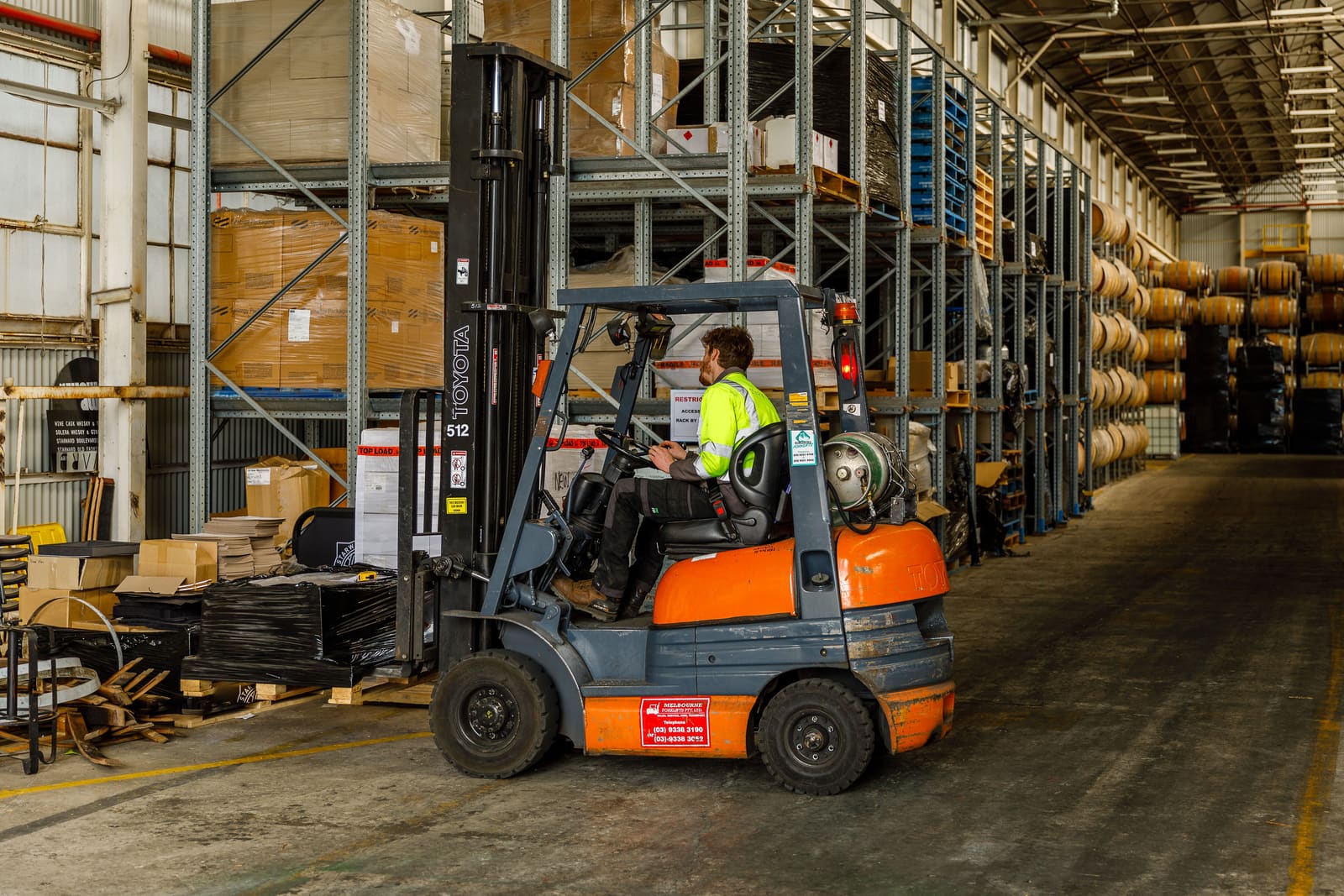
If someone drives a forklift, puts up scaffolding, slings loads or operates a crane for you, they need a high risk work licence. Sighting the card on day one is easy. Knowing that the right class is on it, and that it is still current years later, is the hard part.
This post covers what the licence is, what you have to check and keep, and how to set WorkZerk up to track it.
What a high risk work licence is
A high risk work licence lets a person do a specific class of work that the WHS laws treat as high risk. Under the model WHS Regulations, a person must not carry out a class of high risk work unless they hold a licence for that class (regulation 81). Schedule 3 of the same regulations sets out the classes.
The licence is issued by the WHS regulator in the state or territory where the person lives. Victoria is not under the model WHS laws: WorkSafe Victoria issues the licence under its own Occupational Health and Safety Regulations 2017.
A licence expires 5 years after it is granted (regulation 92) and can be renewed. In NSW, it can be renewed for up to 12 months after expiry, but nobody can do high risk work on an expired licence in the meantime. After 12 months they have to retrain and be reassessed.
The classes
One card can carry several classes, each with a two-letter code. SafeWork NSW lists 29:
| Group | Classes |
|---|---|
| Forklift | LF forklift truck, LO order-picking forklift truck |
| Scaffolding | SB basic, SI intermediate, SA advanced |
| Dogging and rigging | DG dogging, RB basic, RI intermediate, RA advanced rigging |
| Cranes | CT tower, CS self-erecting tower, CD derrick, CP portal boom, CB bridge and gantry, CV vehicle loading, CN non-slewing mobile, C2, C6, C1 and C0 slewing mobile (by tonnage), PB concrete placing boom |
| Reach stacker | RS |
| Hoists and work platforms | WP boom-type elevating work platform, HM materials hoist, HP personnel and materials hoist |
| Pressure equipment | BS standard boiler, BA advanced boiler, TO turbine, ES reciprocating steam engine |
Victoria lists 30, adding TV for non-slewing telehandlers over 3 tonnes. The class matters as much as the card: someone with LF can drive a forklift truck, not a boom lift.
It is not a white card or a trade licence
A white card shows someone has done general construction induction training. A trade licence, such as an electrical licence, covers a trade. Neither lets anyone do a class of high risk work, so a rigger on a building site may need a white card and a high risk work licence.
Your duties as the business
Under regulation 85 of the model WHS Regulations, a business must not direct or allow a worker to carry out high risk work unless it sees written evidence from the worker that they hold the relevant licence. The same applies to anyone you put in charge of supervising a trainee.
You must keep a record of that evidence for at least one year after the work is done, or after the last time the person supervises the work.
There are exceptions. A trainee can do the work while training towards the licence, under the supervision of a licensed person (regulation 82). You must then see written evidence that they are in that training, and you must make sure the supervision is direct, unless the task makes that impracticable or unnecessary and the lower level of supervision puts no one at risk (regulation 84).
A licence from another state counts, as long as it is used on the terms it was granted and is not suspended, cancelled or expired (regulation 83).
This is general information, not legal advice. Your state's regulations may number or word these duties differently, so check with your regulator.
How to check a licence
Look at the card itself and check:
- the name and photo match the person
- the class codes cover the work you are giving them
- the licence number and the issuing state
- the expiry date
Then check it with the regulator where you can. WorkSafe WA has reported attempts to use falsified licences, and a card does not show whether a licence has since been suspended or cancelled.
| State or territory | Regulator | Online check |
|---|---|---|
| NSW | SafeWork NSW | Check a high risk work licence, by name or licence number |
| Victoria | WorkSafe Victoria | Validate a licence, digital licences only |
| Queensland | WorkSafe Queensland | Licence status search on the WorkSafe Queensland site |
| Western Australia | WorkSafe WA | Online licence search |
| South Australia | SafeWork SA | Contact SafeWork SA |
| Tasmania | WorkSafe Tasmania | Contact WorkSafe Tasmania |
| ACT | Access Canberra | Contact Access Canberra |
| Northern Territory | NT WorkSafe | Check a high risk work licence, with the licence number, issue date and holder's date of birth |
If a licence does not show up, or the classes differ from the card, contact the regulator that issued it.
What WorkZerk does with a high risk work licence
WorkZerk keeps the paperwork side of the job in one place:
- Each person uploads a photo of their licence from a private link on their phone, with no account or password.
- They have to enter the expiry date before they can send it. WorkZerk's AI check reads the date on the card and flags it if it differs from the date they typed.
- You approve each licence, and WorkZerk records who approved it and when. That gives you a dated record of the evidence you saw.
- The licence is saved to the person's contact record, so it counts on every portal they are on and they are never asked for it twice.
- WorkZerk emails the person before their licence expires and asks for the renewed one.
- The Document compliance report shows who is current, who is expiring and who is missing a licence, across everyone.
What it does not do: WorkZerk does not check a licence with any regulator's register, and it does not decide whether a class covers the work you have in mind. Those steps stay with you, and WorkZerk gives you somewhere to record that you did them.
Setting it up in WorkZerk
1. Turn on two-factor authentication
Asking people to upload documents needs two-factor authentication on your account. Set it up first under Account, then Two-factor authentication (opens in WorkZerk in a new tab).
2. Create a High risk work licence field
Open Fields (opens in WorkZerk in a new tab) in the sidebar. Add a field called High risk work licence, choose the Upload type, and tick Require an expiry date.
This field is what turns the card into a tracked document. Every copy anyone sends lands here, on their contact record, with its expiry date.
While you are there, add the details you want on the record:
- HRWL classes, a Text field for codes such as "LF, WP".
- HRWL number, a Text field.
- HRWL checked on, a Date field your team fills in after checking the licence with the regulator.
Shortcut: if you engage contractors, the Contractor onboarding (Australia) pack already asks for ABN, insurance, a trade licence and a white card. Add it to your packs, then add the high risk work licence asks to it. See starter request packs.
3. Create a portal, or use the one you have
A portal is the private page your people open from their link. Open Portals (opens in WorkZerk in a new tab) and click New portal, or add the licence to an onboarding portal you already run. Give it a name your people will recognise, such as "Northside Logistics warehouse starters".
4. Ask for the licence
On the portal's Requests panel, click + Insert, choose Upload, and name it "High risk work licence". Pick your new field under Document type and make sure Require expiry is on.
Leave Min files at 1 so the licence is required. Use the description to tell people what to send, for example: "Upload a clear photo of the front and back of your licence card."
Then add a Fields request for HRWL classes and HRWL number, so they are typed in rather than read off a photo.
5. Add your people
Add people to the portal and send each one their private link. If you do not have a list, for example for a seasonal intake, turn on the portal's self-registration link and share that instead. Anyone who opens it enters their name and email and gets their own link.
6. Review, verify and approve
Uploaded licences wait under Needs review on Requests (opens in WorkZerk in a new tab). For each one:
- Check the name, classes and expiry date against the card. If the person typed the date wrong, click Change date and correct it.
- Check the licence with the regulator in the state that issued it.
- Approve the licence.
- Enter today's date in HRWL checked on on their contact record.
7. Switch on the expiry reminders
Open Automations (opens in WorkZerk in a new tab). Switch on Document expiring reminder and Document expired reminder. Both start switched off.
The expiring reminder goes 30 days before a licence expires. WorkSafe Victoria says processing can take up to 45 days, so consider changing it to 60 days.
The reminders stop by themselves once the person uploads the renewed licence.
8. Check who is covered
Open Requests (opens in WorkZerk in a new tab) and click Document compliance. Each person shows as current, expiring, needs review, expired or missing for their high risk work licence.
Tick Only people who aren't compliant for the list to work through, and use Download CSV when a client, principal contractor or inspector asks for your records.
Getting started
Start a free WorkZerk trial at workzerk.com, then work through the steps above. If you get stuck, the getting started guide walks through a first portal end to end, or email us at [email protected].